


Running a successful pest control business is about more than just eliminating pests. It’s about how efficiently your team operates, how consistently you deliver service, and how easily your office stays on top of everything from scheduling to billing. That’s where pest control management software comes in.
The right system can streamline operations, reduce manual tasks, and give you real-time visibility into your entire business—helping you serve more customers with fewer delays and lower costs. In a competitive and fast-growing market, these operational advantages can be the difference between scaling up or falling behind.
In this guide, we’ll break down the essential features of pest control software, the practical benefits it offers, and real-world use cases that show how it saves time, improves service, and boosts your bottom line. If you're looking for how to streamline pest control operations, the right management software is one of the most effective tools you can adopt.
Growing a pest control business starts with attracting and converting new leads. But when information gets lost in emails, sticky notes, or separate spreadsheets, it’s easy for opportunities to slip through the cracks.
Pest control management software brings structure and visibility to your sales pipeline. From the first inquiry to a signed service agreement, you can track every lead and handoff in one place.
Instead of guessing where a prospect stands, or losing them altogether, your team gets the tools to respond faster, stay organized, and turn more inquiries into recurring customers.
Fieldster offers integrated tools for sales tracking, scheduling, and billing, allowing pest control businesses to manage these operations within a unified platform.
In pest control, timing matters—not just for treatments but for customer updates, technician coordination, and follow-up. When communication breaks down, it often results in missed appointments, duplicate work, or unhappy clients.
Pest control management software helps eliminate these gaps by connecting your office and field teams through one shared system. From dispatch to technicians, everyone can access job details, customer notes, and schedule changes in real-time.
Instead of relying on calls, texts, or paper forms, your entire team can work from the same digital system. That reduces delays, improves accuracy, and ensures your customers stay informed and satisfied. For more strategies on building and retaining a strong field team, read our guide on how to find and retain pest control technicians your customers will love.
Use case: A technician in the field completes a job and adds a follow-up note for the office to schedule next month’s service—no paperwork, no lag time, and no missed details.
When pest control businesses rely on separate tools for customer records, route planning, billing, and reporting, the result is usually more work, not more control. Data lives in silos, admin time adds up, and things inevitably slip through the cracks.
Pest control management software solves this by centralizing your core operations into a single platform. Instead of switching between apps or duplicating data, everything you need to run your business lives in one place.
This kind of centralization doesn't just save time—it improves decision-making. When your team has access to accurate, real-time information, they can move faster and respond more effectively in the field and from the office.
Pro Tip: Consolidating tools also reduces software costs, as you're not paying for multiple disconnected systems to do what one platform can handle.
Delivering excellent service isn’t just about showing up on time and solving pest problems. It’s also about how your customers feel throughout the process and how easy it is to book a service, understand their invoice, or get updates when something changes.
Pest control management software gives your team the tools to create a smoother, more transparent experience from start to finish.
The result: customers feel informed, respected, and taken care of, and that’s what builds long-term loyalty.
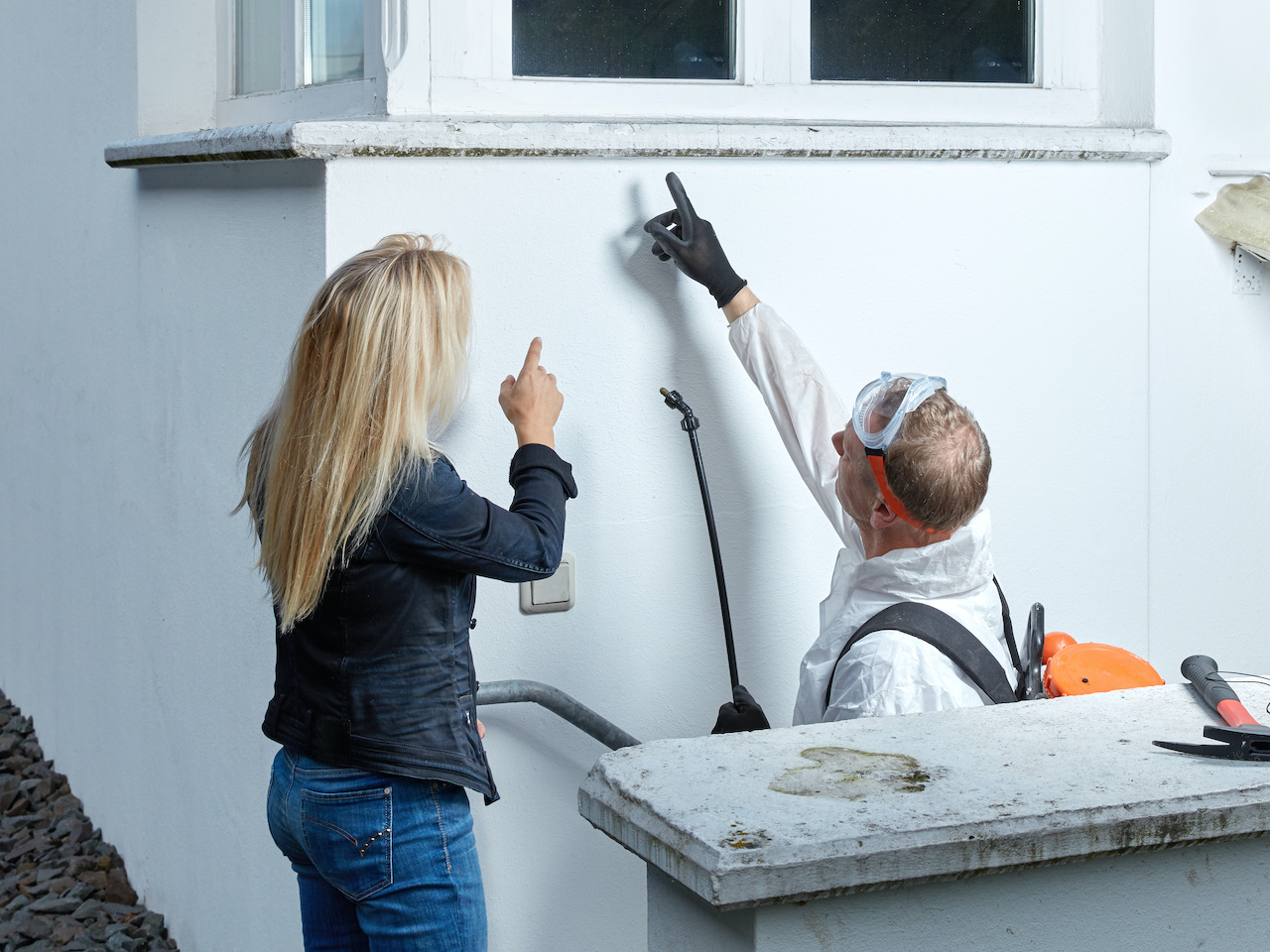
Use case: A customer receives a service summary by email minutes after their appointment, including the technician’s notes and a link to schedule their next visit. It’s fast, clear, and professional.Pest controler explains something to a customer
It’s one thing to know what pest control management software does—it’s another to see how it actually saves time and supports growth in real business scenarios. Here are a few common use cases where the right software delivers immediate impact:
Before: Techs fill out paper forms, return to the office, and hand them to admin staff. Invoices go out days later.
After: Techs log completion notes and trigger invoicing directly from the field. The office doesn’t need to retype anything, and customers can pay the same day.
Before: Office staff manually map out technician routes, sometimes overlapping or doubling back.
After: Route optimization tools reduce drive time and fuel use, letting teams service more customers in less time.
Before: Customers forget appointments or say they never got a call.
After: Automated reminders and real-time updates keep customers in the loop, reducing no-shows and rescheduling headaches.
Before: Adding more customers meant hiring more office staff just to handle the paperwork.
After: Software automates repetitive tasks, allowing teams to scale their service volume without increasing overhead. Want more ways to stay efficient when demand spikes? Check out our post on how to supercharge your pest control company during the busy season.
Whether you're trying to streamline daily tasks, reduce manual errors, or grow your customer base without growing your overhead, the right pest control management software can make it happen.
Fieldster is built specifically for pest control businesses, offering scheduling, customer management, mobile tools, reporting, and invoicing—all in one place.
To learn more about these benefits, schedule a FREE live demo of our pest management software, and get firsthand insight into how these tools can help reduce expenses and boost your bottom line!
What is the difference between pest control management software and basic scheduling tools?
Pest control management software goes beyond basic scheduling by combining features like route optimization, customer communication, invoicing, reporting, and service tracking in a single system. It's built specifically for the workflows and needs of pest control businesses, not just generic field service operations.
How does a customer portal improve the client experience?
A customer portal lets your clients log in to view service history, manage appointments, make payments, and request new services. This reduces inbound calls, increases transparency, and improves retention—especially for customers who prefer self-service options.
Can pest control software help small businesses, or is it only for large teams?
Yes, pest control software like Fieldster is well-suited for small businesses. It reduces administrative workload, helps manage day-to-day tasks more efficiently, and supports growth without requiring a large office staff.
Why is mobile app access important for pest control teams?
A mobile app lets technicians in the field update job status, log notes, and access customer information on the go. This real-time connection between field and office ensures fewer delays, better documentation, and stronger service consistency.
How can field service software improve team coordination?
Field service tools streamline internal communication and task management. Office staff can see where techs are, assign jobs based on location or skill, and track progress live. This leads to fewer errors, better time management, and smoother day-to-day operations.

Features
Pricing
ABout
Site
Features
Pricing
ABout
Site